

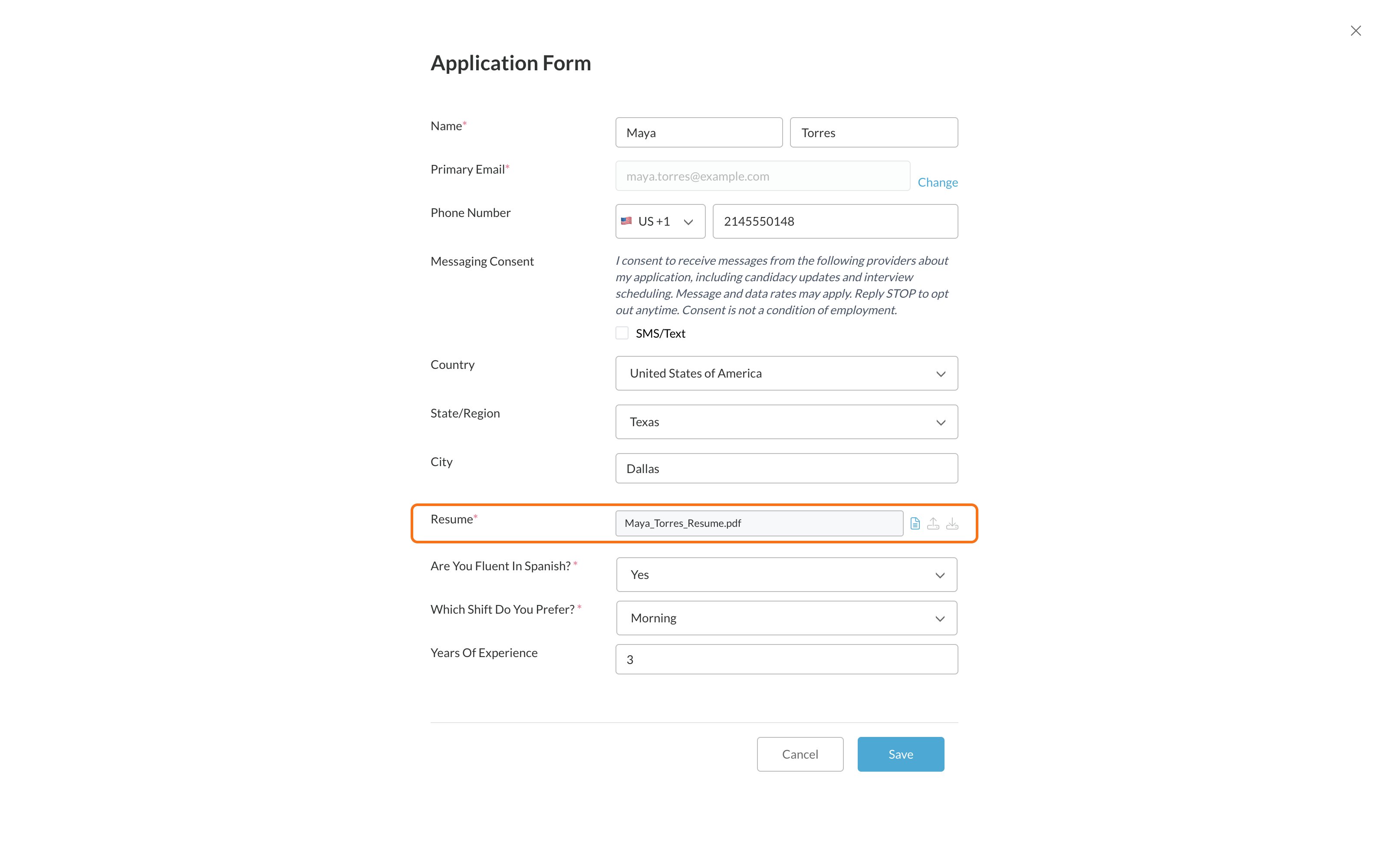
- On the application form, while you’re applying to a job.
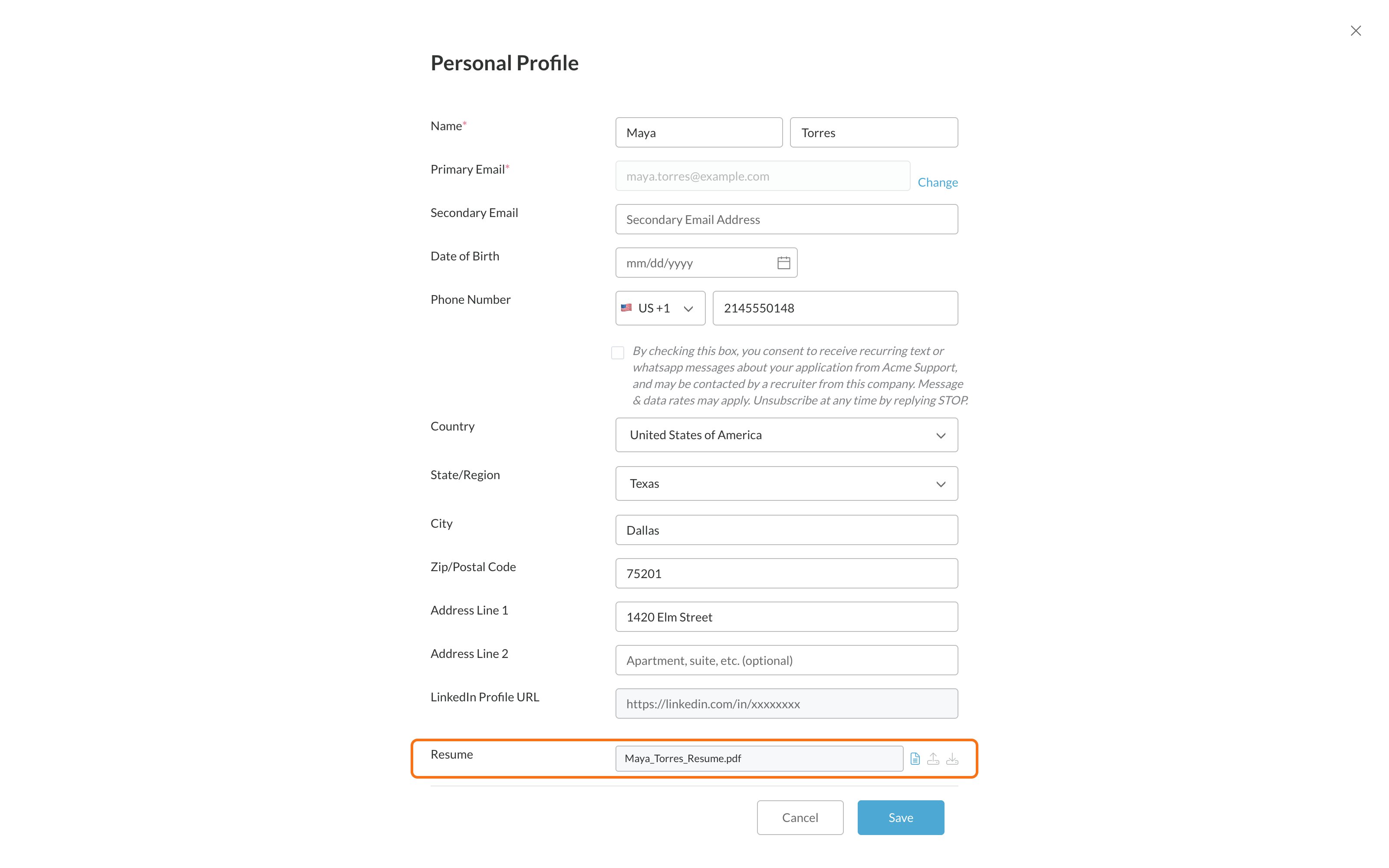
- In My Profile, from the menu under your name, at any time.
Files that work
- Word (.doc or .docx)
- Text (.txt)
- HTML
Upload your resume
1
Click Upload your Resume
On the application form or My Profile. Already have a resume there? Click the upload icon next to its file name instead.
2
Choose your file
Pick a PDF, Word, text or HTML file from your device.
3
Click Upload
You’ll see Upload successful. Your resume is saved now.
4
Click Close
Then finish the rest of the form and click Save.
Common problems
Related
Update your profile
Change your information.
Stuck or can't continue?
Other fixes.