

What you need
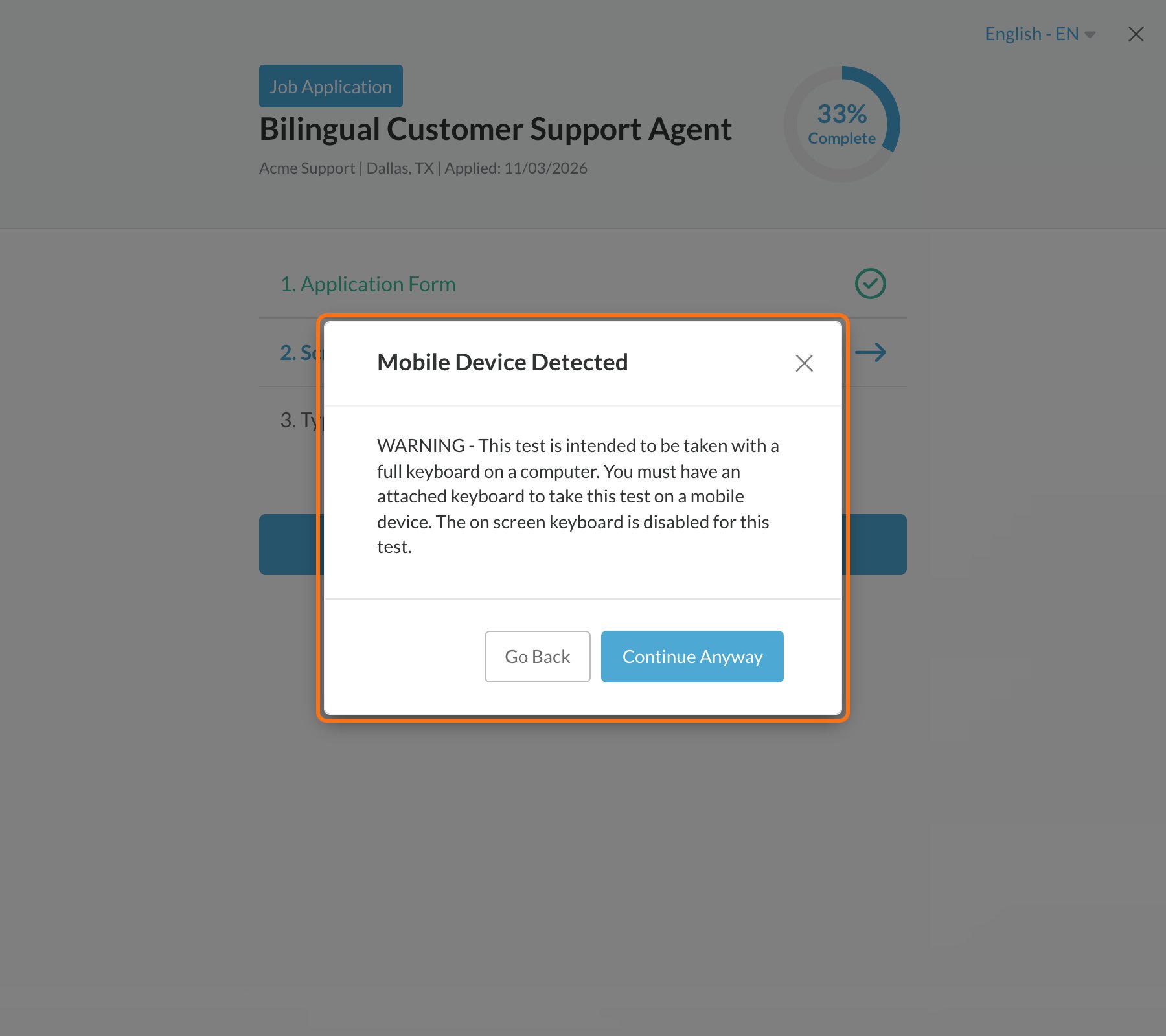
- A computer with a keyboard. This is the best way to take it.
- On a phone or tablet, you need a keyboard connected to it, such as a Bluetooth keyboard. The on-screen keyboard is turned off for this test.
Take the test
1
Read the instructions
Click Begin Typing Test when you’re ready.
2
Start typing
The timer starts when you type the first letter. Type over the grey words. Press the Spacebar after each word.
3
Fix mistakes as you go
Correct letters turn black. Mistakes turn red. Use Backspace to fix them.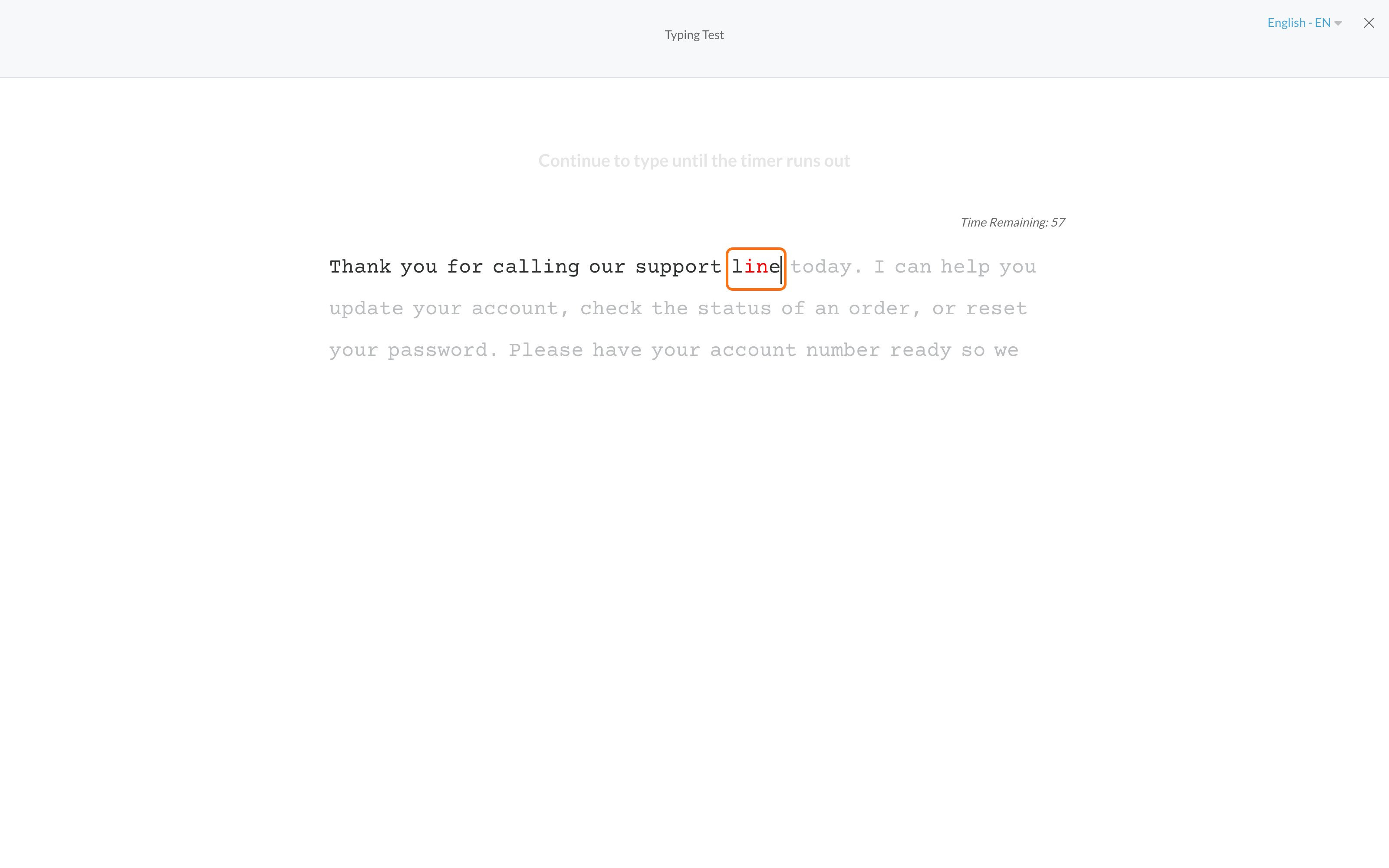
4
Keep going until the timer ends
You’ll see Time Remaining above the text.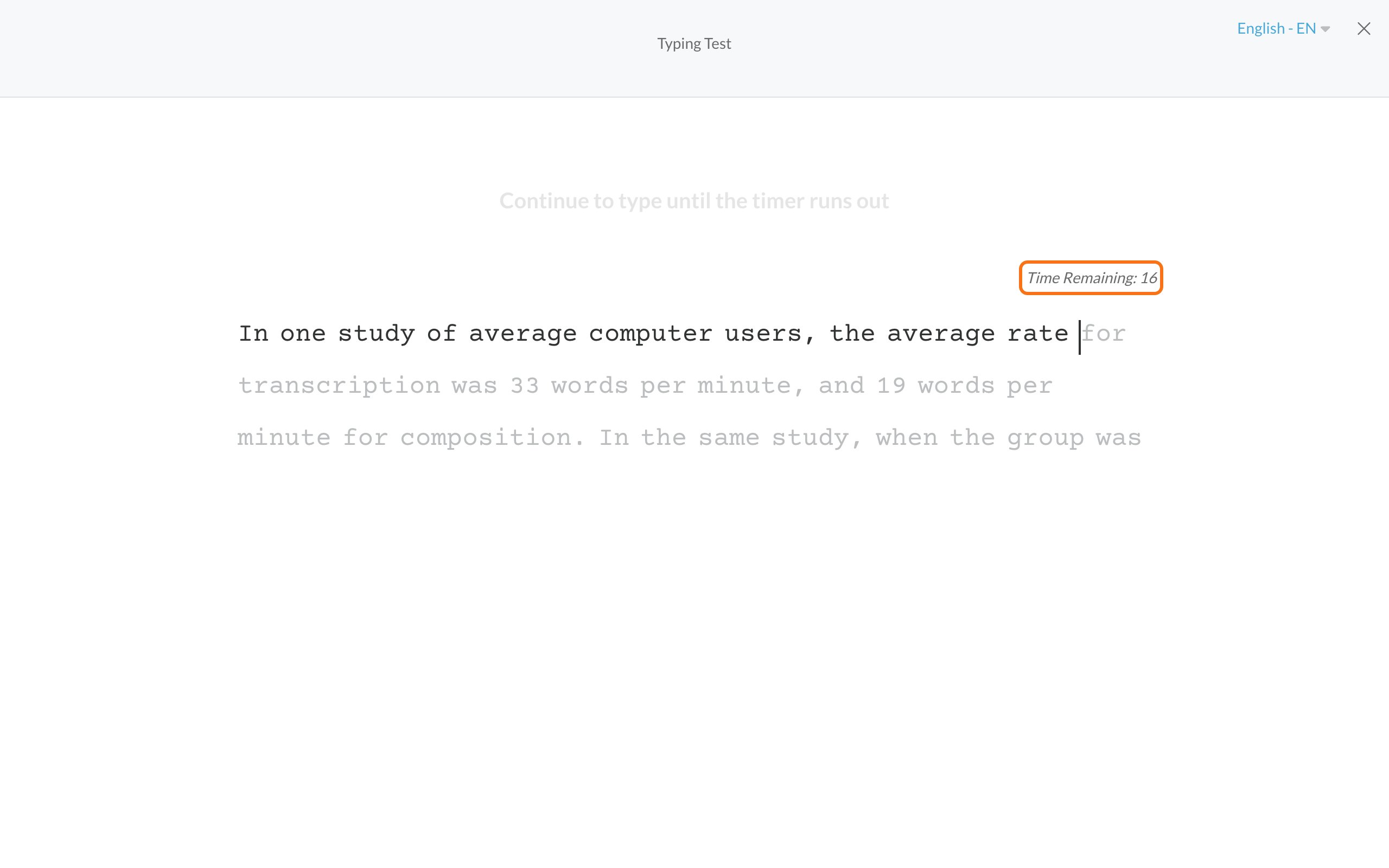
5
Continue
You’ll see Complete! with your words per minute (WPM) and accuracy. Click Continue to Next Step, or Next Typing Text if there’s another one.
Tips
- Don’t press Shift and Enter together. That ends the test right away.
- Stay on the page. The timer keeps running if you switch tabs or apps.
- Don’t refresh or go back. That ends your attempt, and you’ll need to start over.
- Pasting doesn’t work. You need to type the text.
Common problems
The keyboard doesn't show up on my phone
The keyboard doesn't show up on my phone
That’s expected. The on-screen keyboard is turned off for this test. Use a computer, or connect a keyboard to your phone or tablet.
Nothing happens when I type
Nothing happens when I type
Click anywhere on the text, then type again. If it still doesn’t work, refresh the page and start the test again from your progress page.
I closed the page or lost my connection in the middle
I closed the page or lost my connection in the middle
The test is still waiting for you. Open your progress page and start it again. The text you were on starts over. If your test has more than one text, the texts you already finished stay saved.
I see an error when I click Continue
I see an error when I click Continue
Your test didn’t send. Stay on the page, check your internet connection, and click the button again.
Can I take the test again?
Can I take the test again?
Once a typing test is complete, you can’t open it again yourself. If something went wrong while you were taking it, tell the employer what happened.
Related
Before you start an assessment
A quick checklist.
Phone or computer
What works where.